Do you need to combine PDF files but worry about uploading sensitive documents like bank statements, legal contracts, or medical records to random websites?
You are right to be cautious. Most “Free PDF” tools require you to upload your files to their cloud servers, creating a potential privacy risk.
Welcome to the Xiphos Webcraft Secure PDF Tool. This is a 100% Client-Side PDF Merger that runs entirely in your browser. Combine PDF Files Free. Your documents never leave your computer, ensuring total privacy while you organize your files.
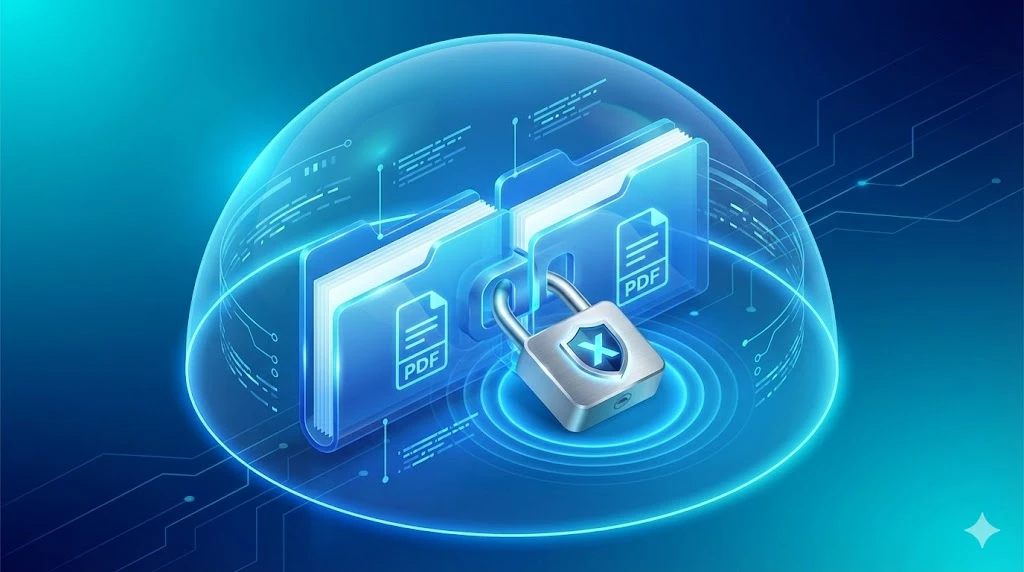
Speed and security are the two biggest advantages of using a client-side tool over a cloud-based one.
1. Zero Data Leaks (100% Private) Because this tool uses your browser’s own engine (JavaScript) to process files, your data is never sent to our server. You can literally disconnect your WiFi after loading this page, and the tool will still work perfectly. This makes it the ideal Secure PDF Merger for lawyers, accountants, and privacy-conscious users.
2. No File Size Limits Server-based tools often limit you to 5MB or 10MB because they have to pay for storage. Since our tool uses your computer’s RAM, you can merge massive reports or high-resolution E-books without hitting a paywall.
3. Advanced Professional Features We didn’t just build a basic merger. This tool includes advanced features usually found in paid software:
Drag & Drop Reordering: Easily arrange your files in the exact order you need before merging.
PDF Encryption: Add a password to your final document to secure it with 128-bit encryption.
Metadata Editing: Set
Our tool handles both merging and Split PDF Offline.
To Merge Files:
Click the “Merge PDFs” tab.
Select multiple files from your computer.
Use the “Up” and “Down” arrows to reorder them.
(Optional) Add a password or title.
Click “Merge Files” to download your combined document instantly.
To Split a File:
Click the “Split / Extract” tab.
Upload the PDF you want to modify.
Enter the page numbers you want to keep (e.g., 1, 3-5 will create a new PDF with only page 1 and pages 3 through 5).
1) Is this tool really free? Yes. Xiphos Webcraft provides this as a free utility for the community. There are no hidden watermarks, no “Pro” subscriptions, and no daily limits.
2) Can I merge password-protected files? For security reasons, you must unlock (decrypt) a PDF before uploading it to our tool. However, you can add a new password to the final merged file using our Encrypt PDF feature.
3) Does it work on mobile? Yes. Our tool is fully responsive and works on Chrome, Safari, and Edge on both Android and iOS devices.
While this tool is great for quick tasks, businesses often need more robust solutions for handling client data.
Xiphos Webcraft builds custom, secure web applications for finance, healthcare, and legal industries. If you need a custom client portal, secure document upload system, or a high-performance website, we can build it.
In a world of data breaches, using a Secure PDF Merger is essential for any professional handling private information. While students might use generic online tools for homework, businesses cannot risk client confidentiality.
Here is why different industries rely on our offline tool:
Legal & Finance Professionals: Lawyers and accountants frequently need to combine PDF files, such as contracts, NDAs, and tax returns—into a single organized packet. Our Secure PDF Merger guarantees that these sensitive files never touch a third-party server, helping you remain compliant with client privilege and strict data privacy laws.
Real Estate Agents: Merging property deeds, floor plans, and buyer agreements requires a tool that is fast and private. Instead of waiting for slow uploads on a cloud site, you can organize your listing packets instantly on your own laptop.
Medical & HR Departments: Handling employee records or patient forms requires strict adherence to privacy standards. By using a Secure PDF Merger that works offline, you eliminate the risk of accidental cloud leaks, making it a safer choice for sensitive internal documents.
By choosing a client-side tool, you aren’t just merging files; you are protecting your reputation.